
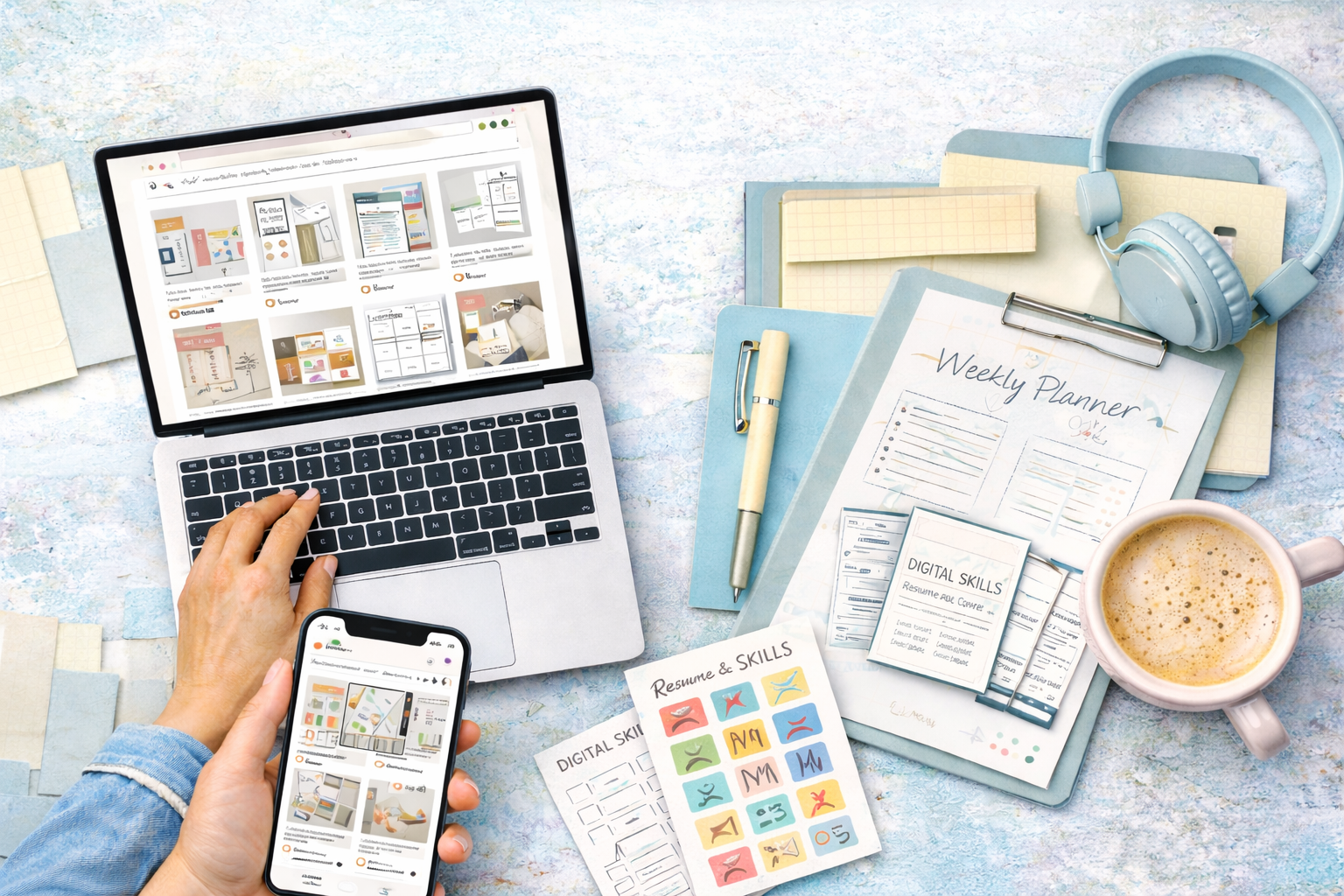
If you’ve ever wondered whether it’s really possible to sell digital products online, Etsy is one of the easiest places to start. The thing is, Etsy isn’t just for handmade crafts anymore. Creators of all kinds are making digital products from planners and templates to digital art and printables and selling them to a global audience.
You might notice that digital products are especially appealing because there’s no shipping, no inventory to manage and no risk of running out of stock. Once you create the file, it can sell over and over again. That’s usually when beginners start thinking, “Okay, how do I actually get started?” Let’s break it down in a way that feels manageable.

Why Selling Digital Products Makes Sense
Before diving into Etsy, it helps to understand why digital products are worth considering. The main advantage is simplicity. You create the product once and deliver it automatically through Etsy’s digital download system. No packaging, no shipping, no postage.
Another perk is flexibility. You can sell from anywhere and you’re not limited to physical storage or production schedules. For example, if you create a set of social media templates in Canva, you can upload the files and customers download them instantly.
The key is picking products people actually want. Think about everyday problems or creative projects that could use a digital solution. That’s usually when ideas like budget planners, printable stickers, resume templates or digital art start to click.
Choosing the Right Digital Product
Your product choice can make or break your Etsy shop. Start with something that aligns with your skills and interests. If you enjoy graphic design, templates and printable art might be ideal. If you’re good at organising, planners or checklists could be a fit.
Here’s how it works. I have a friend who loves hand lettering. She created a series of motivational quote prints and uploaded them as high-resolution PDFs. Within a month, she started seeing her first sales. She didn’t need a huge following, she focused on clean designs and clear descriptions.
You might notice that customers often look for products that save time, inspire creativity or provide practical tools. Templates, worksheets, journals and even SVG files for crafting are all popular categories.
Setting Up Your Etsy Shop
Once you have a product idea, it’s time to open your Etsy shop. The process is straightforward. You’ll create an account, choose a shop name and set up your listings. The thing is, your shop name and branding matter more than you might think. A clear, memorable name can make your shop feel professional right away.
When creating a listing, Etsy will ask for details like product title, description, price and images. Here’s how it works, even a simple Canva mockup can serve as your product image. You don’t need professional photography for digital downloads as customers are mainly buying the file, not a physical object.
Pricing can feel tricky at first. The general rule is to consider the time you spent creating the product and the value it offers. For example, a set of Instagram templates might sell for $10–$20, while a comprehensive planner could go for $15–$30 or more.
Writing Listings That Actually Sell
You might notice that some Etsy listings get a lot of clicks while others sit quietly. The difference is often in the description and presentation. Think of your listing like a mini sales page. Explain what the product is, how it works and why it’s useful.
Here’s a practical approach. if you’re selling a printable meal planner, include details like page count, file format and instructions for printing. Use clear language and bullet points sparingly to make it easy to scan. Customers should immediately understand what they’re buying and how it benefits them.
Creating Files Customers Can Use
Here’s the thing, the product itself needs to be user-friendly. Most digital products are PDFs, PNGs, JPEGs or editable Canva files. If you’re making templates or planners, consider offering both an editable version and a ready-to-print version.
I have a friend who sells editable Canva planners. She includes a short PDF with instructions on how to open and customise the files. Customers appreciate the guidance and it reduces questions or confusion. You might notice that clear instructions can make a big difference in customer satisfaction.
Tools That Make Life Easier
You don’t need fancy software to create digital products. Canva is a favorite for beginners as it’s intuitive and perfect for templates, planners and digital art. Photoshop or Illustrator works too if you’re comfortable with them. For writing worksheets, Google Docs or Microsoft Word can do the trick.
File organisation is important too. Dropbox or Google Drive can help you keep your products and resources organised before uploading to Etsy. That way, you’re not scrambling when you need to make updates or answer customer questions.
Optimising Your Shop for Success
It’s important to know that even the best product won’t sell if no one sees it. Etsy SEO matters. Think about what words your customers might search for and include them naturally in your title, tags and description. For example, “Printable Budget Planner PDF” is clearer than just “Planner.”
Images are also crucial. You might notice that high-quality mockups can make a huge difference. Even if your product is digital, showing it in context like a planner on a desk or a printable wall art frame helps customers visualise the end use.
Handling Customers and Feedback
You might think selling digital products eliminates customer interaction entirely, but feedback still matters. Answer questions promptly and be clear about what customers can expect. Etsy allows automatic delivery of digital files, but some customers might need guidance with opening or printing the files.
Positive reviews build trust and can drive more sales. That’s usually when sellers see their shops start to gain momentum. Friendly, helpful communication goes a long way in building a strong reputation.
Scaling Your Digital Product Shop
Once you’ve made your first few sales, it’s tempting to expand. You can create variations of your popular products, bundle items or even offer seasonal designs. For example, if a printable calendar sells well, you could design a holiday version or a weekly planner to complement it.
The key is consistency. Keep releasing products that meet real customer needs, track what sells and iterate based on feedback. Over time, even a small shop can develop a loyal customer base.
Conclusion
Selling digital products on Etsy is a creative and flexible way to share your skills and make income online. The main takeaway is that it’s not about instant success, it’s about building quality products, presenting them well and connecting with your customers.
Start with a simple idea, choose a tool that works for you, set up your shop and focus on clarity in your listings. Pay attention to SEO and customer experience and don’t be afraid to experiment with new products.
At the end of the day, Etsy allows you to turn your creativity into something practical repeatable and hopefully profitable. Take that first step, start creating and see where it leads. You might be surprised at how satisfying it is to see your digital products helping others while building your shop one sale at a time.